
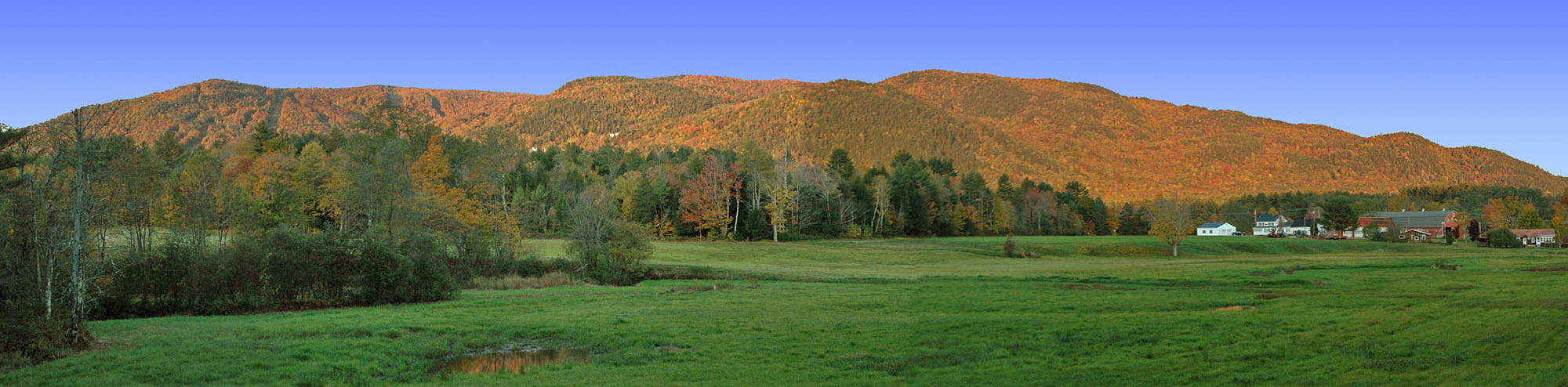
Panoramic Photo Enlargements
Panoramic photo printing is an exciting way to capture stunning vistas, sports arenas, and more.
We start by digitally photo merge or stitching together two or more images.
We can also receive your digital photo already stitched.
Prints are available on either 10" or 16" Epson Premium Lustre roll paper.
Epson Premium Semi-matte and glossy is available for 16" roll paper.
Panoramic Photo Merge Prices
$10, plus $2 per image.
Example: 3 photos would cost $10 + $2 + $2 + $2 = $16.
Does not include retouching.
Retouching is by quote only. We charge $60/hour, billed in one minute increments.
Panoramic Photo Print Prices
Please use our quick photo print pricing calculator here.
How To Order
If you already have a panoramic digital file, go right to our photo order system.
Step One
e-Mail us the photos you wish merged to sales@archival-photos.com with the subject line Panoramic Photos, followed by your last name. A zip file or Stuffit file with all images is preferred. Please include your Name, Phone number, and shipping address. Also indicate whether you will be wanting a print with the order. We will let you know print sizes after it has been merged. If not ordering a print, we will send you an e-mail invoice to pay at PayPal.
Don't have digital files? We can scan them for you. Mail or FedEx/UPS them to us. Make sure you can track your package. Add $5 per image for scanning.
Step Two
If retouching is required, we will send you an estimate for it. Upon approval, we will perform the retouching and send you a soft proof via e-mail.
Step Three
If ordering prints, we will send you a soft proof via e-mail, whether retouching was done or not. We will indicate possible sizes for you and their costs. Let us know which size you wish printed and we will invoice you at that time.
Panoramic Photo Example 1
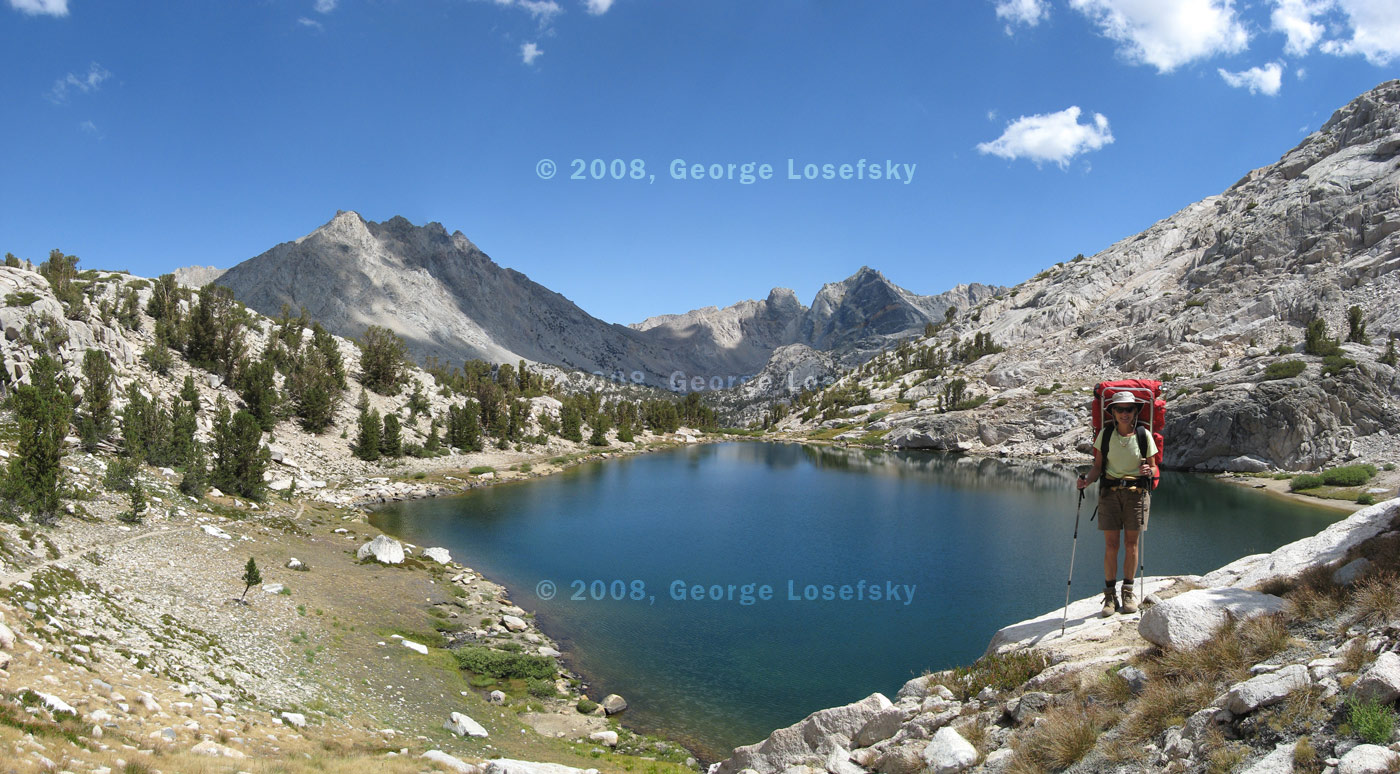
was made from the following three photos and required no retouching
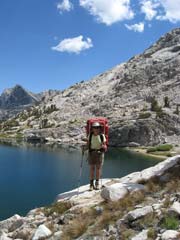
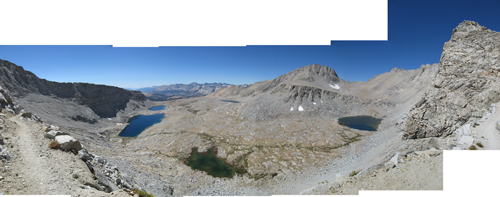
Panoramic Photo Example 2
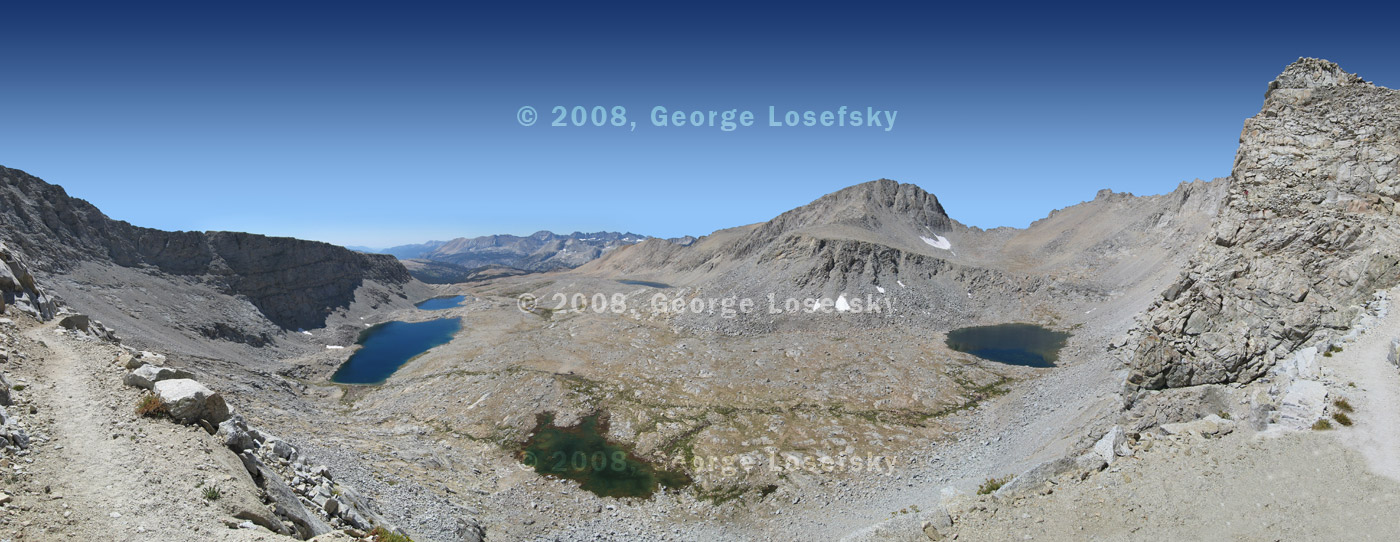
Was made from the following 6 photos
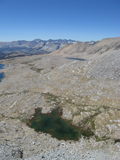
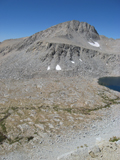
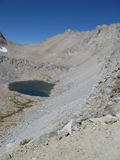
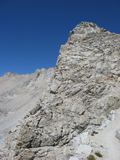
and required about 30 minutes of retouching in a new sky and the bottom right as seen from the raw merge.
Tips on Photographing Panoramic Photos
Here are a few tips on approving your results.
- Do not use automatic settings for exposure. Find the correct exposure for the middle frame and use that for all frames. Keeping the exposure consistent is important as auto exposure settings can change from frame to frame. Especially if facing East or West.
- Do not use autofocus.
- Use a lens diameter of 50mm or better (for a 35 mm camera). I find 70 mm is best.
- Allow about 20-30% overlap in each frame.
- Keep the camera back perpendicular to ground. A hotshoe bubble can help.
The photos used in the above examples was used by permission from George Losefsky. If you wish to purchase a print of them or to see some of the other panoramas we did for him, please let us know.
